Know if your cover art will get rejected — before you submit.
A failed distributor review sends your release to the back of the inspection queue — and can push you past your release date. Scan your cover here first for technical specs, OCR text checks, and common rejection risks in under a minute.
- ✓#1 catch: metadata mismatches between cover text and your submission
- ✓Also common: blurry, pixelated, or over-compressed artwork
- ✓Optional pro human review and artwork design help
- ✓Band/artist logos OK — platform logos (Spotify, iTunes, etc.) flagged
- ✓Technical specs: resolution, square crop, format, sharpness
- ✓OCR + visual scan for logos, badges, and packaging mockups
- ✓Free tier: 5 reports every month
Common rejection reasons we catch
Check your cover
Fill in your distributor submission, then upload artwork. Catch blocking issues here before upload — a rejection usually sends your release back to the end of the review queue.
Distributor submission
Enter exactly what you will submit to your distributor. The simplest approach — and the easiest to pass review — is artwork that only shows text tied to this release: artist name(s) and project title are usually all you need. For band releases, use only the band name — not individual members — on the artwork. Band or artist logos are fine with no text, or with text that matches these fields. Featured artists, songwriters, and other credits are optional on the cover; if you include them, they must match your submission (featured artists as “Ft. Artist Name”). Do not use another famous artist’s name or likeness without written, signed permission. Do not use streaming platform logos (Spotify, iTunes, Apple Music, etc.).
Any photography or illustration in the artwork must be original work you own or material you have properly licensed for commercial distribution. Do not use photos or illustrations of famous artists, celebrities, or look-alike likenesses without written permission. Do not use background images unless you hold the reproduction rights.
After your first successful check, previous entries are saved in this browser and suggested as you type.
Optional — external collaborators only. Band members cannot be featured artists. If listed on the cover, use “Ft. Artist Name”.
No featured artists — add any name that appears as “Ft. …” on the cover.
Optional — songwriters do not need to be on the artwork. Add anyone whose name appears as readable text on the cover (including “Written by …” credits).
No songwriters listed — add names only if they appear on the artwork.
Required to validate “EP” on artwork and predict how Spotify and Apple Music will categorize your release. Use mm:ss (e.g. 28:30) or minutes (e.g. 28.5).
Artwork best practices
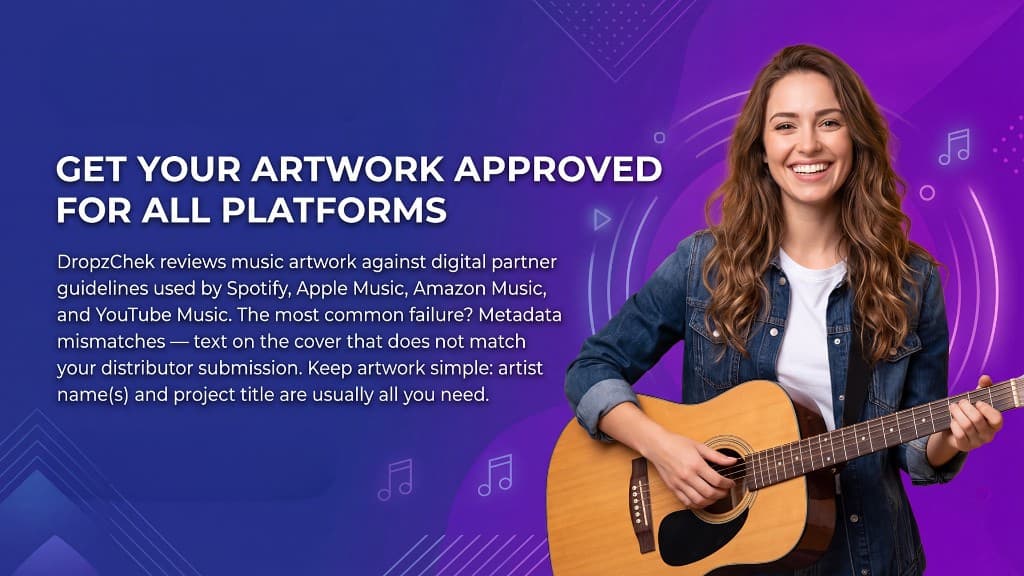
The most reliable covers are clean and minimal: list only text that matches your submission metadata — typically the artist name(s) and project title. Avoid URLs, store badges, and extra copy that does not belong on a release. Use original or properly licensed imagery only; do not include photographs or illustrations unless you own them or have cleared them for commercial use.
Drop cover artwork here
JPEG or PNG · 1400×1400 to 3000×3000 px, perfect square · max 12 MB
Simple artwork with only your artist name(s) and title is best.
Complete the distributor form above before choosing a file.